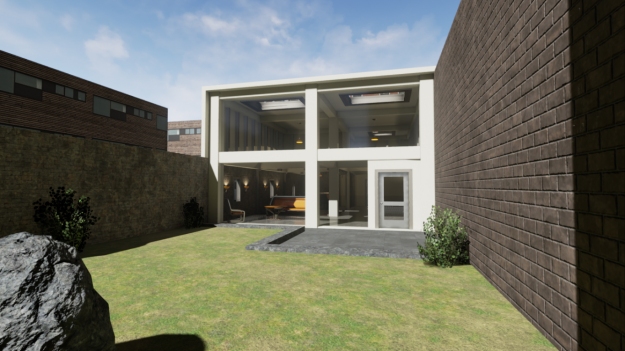
Following Epic’s announcement that Unreal Engine 4 earlier this month I finally got chance to lock myself away for a few hours and have a look. If you are coming to Unreal Engine from Unity like me Epic have provided a useful guide Unreal Engine 4 for Unity Developers. I also found their video tutorials for Level Editing really useful. Following the tutorials I was quickly able to create an office scene using basic geometry and the Unreal Starter Content. After modifying the scene to include an extra office I added the garden with a patio, plants and rocks. As with Unity, adding a first person controller was a simple matter of dragging and dropping.
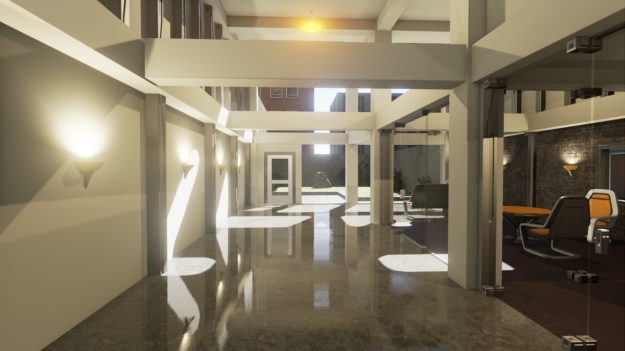
The wall lights were easy to set up and had a nice glow. I also included the overhead lights from the Starter Content but found they were a little distracting. Despite emitting the same colour as the wall lights their orange lampshades seemed to be overly reflective. Generally the lights could be a little dimmer in my scene but this can easily be changed.
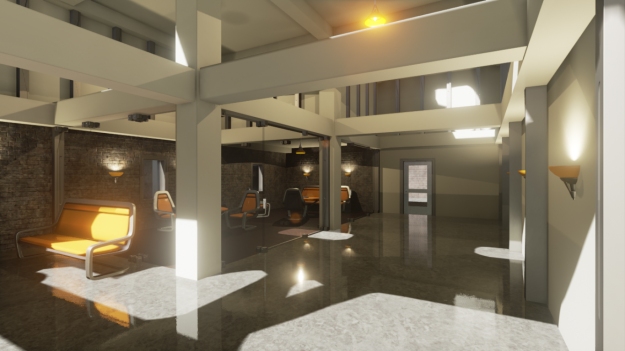
What really made the scene for me were the real-time shadows and reflections. After positioning the external directional light to shine into the office four reflection probes were added to the scene. As a result the marble and wooden floors look fantastic. I was expecting a lot here and Unreal Engine really impressed me.
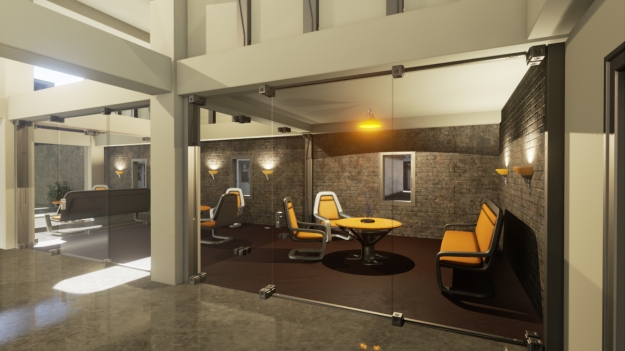
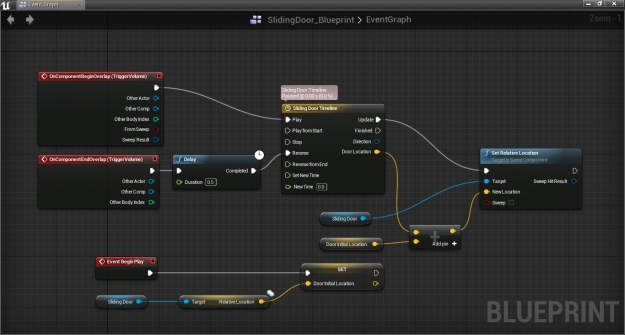
Another feature I was keen to try was Unreal’s visual scripting system Blueprint. As visual scripting isn’t included in Unity I wasn’t sure what to expect. After following the Blueprint tutorials I found it really useful for quickly creating simple interactions such as opening and closing the sliding doors of the offices and the rotating door to the garden based on the proximity of the player. Being quite process orientated I found visual scripting really intuitive. However, Blueprint also seemed a little quirky when trying more complex tasks. There is obviously much more to learn here but it has definitely encouraged me to consider seeking out something similar for Unity.
The buildings outside of the office were simple textured boxes that I created quickly in SketchUp and exported via FBX. On first import I experienced a few issues with missing geometry and collision. These issues appeared to be resolved by ensuring to explode any grouped geometry in the models prior to export from SketchUp. Whether this is best practice going forward I’ve not yet determined.
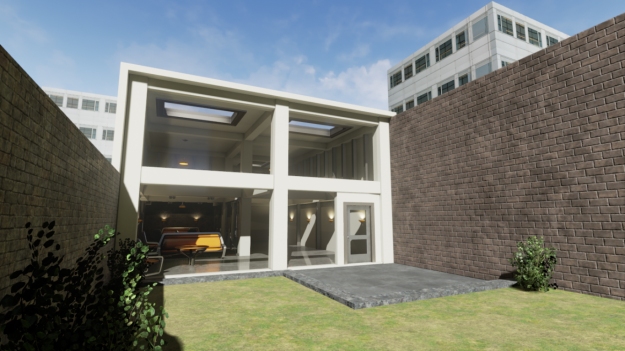
In summary my first look at Unreal Engine 4 was really encouraging and I look forward to working with it more. I did find the editor quite demanding on my current laptop’s system resources. I also wasn’t sure how to optimise my scenes fully and this will take further investigation. With a number of projects coming up I’ll be sticking with Unity for the time being. However, it was very easy to see why Unreal Engine would be such a popular choice for real-time architectural visualisation. Can’t wait to do something with Unreal and the Oculus Rift!


Leave a Reply